How do we make the new website usable for everyone?

Build digital accessibility into the website from the first design decision, then carry it through development and launch. Give designers and developers shared responsibility for contrast, content, keyboard use, screen-reader support and different devices, so inclusion is part of the foundation rather than expensive late-stage accessibility remediation.

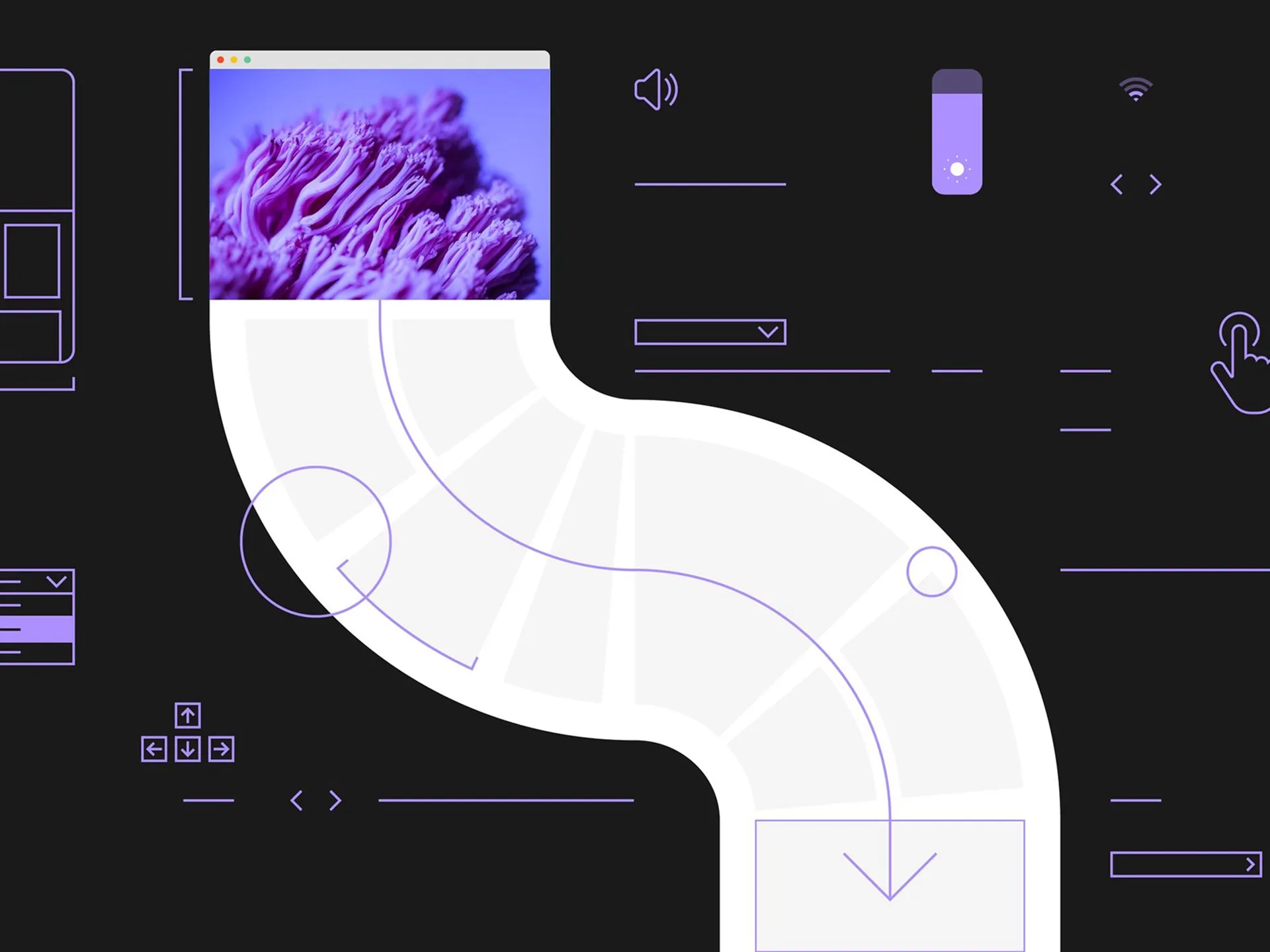
Digital illustration on a dark background showing a winding white path extending downward from a browser window with a photo of purple coral, surrounded by purple UI wireframes and interface icons.

Accessibility starts with the many ways people use the web

Digital accessibility means creating a website that people can understand and use across different needs, devices and situations. A usable website cannot assume every visitor has a fast connection, uses a mouse, sees content clearly or processes information in the same way. Someone may navigate by keyboard, use a screen reader, browse on a phone in bright sunlight or need more time to read content in a second language.

Inclusive design brings those realities into everyday decisions. Text needs sufficient contrast. Navigation and controls need to work with different input devices. Content needs to stay clear and easy to follow. Native browser elements are often a sensible starting point because they already support familiar behaviours, such as keyboard access to a dropdown. Custom components can still work, but they need much more care to remain usable with keyboards and screen readers.

Sources: Designing and developing web experiences for everyone

Shared design and development decisions prevent barriers spreading

Accessible-by-design work happens when design and development move together, rather than handing accessibility over at the end. Developers can spot technical limits and opportunities while a design is still flexible, while designers can check that the finished build preserves the intended experience. That early collaboration makes choices such as colour contrast, responsive behaviour and keyboard interaction clearer before they become repeated patterns across the site.

Accessibility in the design system matters because shared components shape every page built from them. A custom dropdown, form control or navigation pattern can create barriers repeatedly if its keyboard and screen-reader behaviour is not considered from the start. AI tools can help automate baseline tasks, including accessible coding support and context-aware alt text, but the real opportunity is freeing teams to focus on the human experience of using the website.

Sources: Designing and developing web experiences for everyone, The Prompt: Using AI to Create a More Accessible and Dynamic Digital Future

Inclusion belongs in the creative process, not on the launch checklist

We believe a new website becomes more usable for everyone when inclusion shapes the work from the first idea through to the final build. Treating accessibility as a box-ticking exercise leaves too much to solve when deadlines are tight and design choices have already hardened into code. We bring developers into design early, and designers into development, because each perspective catches different obstacles. On This is IBM, our developer was involved from the beginning to help make inclusion a priority across colours, contrast, devices and input methods. That is the approach we stand behind: collaborative, practical and built for the real-world complexity of the web.

Sources: Designing and developing web experiences for everyone

Stats

WebAIM found that 94.8% of one million tested home pages had at least one detectable WCAG 2 failure in 2025.

WebAIM

Low-contrast text appeared on 79.1% of the home pages analysed by WebAIM in 2025.

WebAIM

FAQs

What should an accessible website work with?

An accessible website should work with different devices, input methods and user needs, including keyboard navigation and screen readers. It should also remain clear and usable in changing conditions, such as bright light, slow connections or situations where visitors need more time to read and understand content.

Why should developers be involved during website design?

Developers can identify technical limits and accessibility opportunities before a design becomes difficult to change. Early input can inform practical decisions about contrast, responsive behaviour and support for mouse, touch and keyboard users, while designers can later help ensure the build delivers the intended experience.

Are custom website components accessible by default?

Custom website components are not automatically accessible, because styling and rebuilding familiar controls can remove behaviours people rely on. Native browser elements are often a stronger starting point, while custom controls need careful checking for keyboard use and screen-reader recognition.

Can AI help make a website more accessible?

AI can help automate accessibility baseline work, including coding support for accessible features and context-aware alt text. Used thoughtfully, those tools can make accessibility part of the development foundation and give teams more room to focus on the human experience.